How it works
Three taps from a verse to the whole story.
There is nothing to configure and nothing to import. Open the app, start reading, and the connections are already there waiting.
Open a passage.
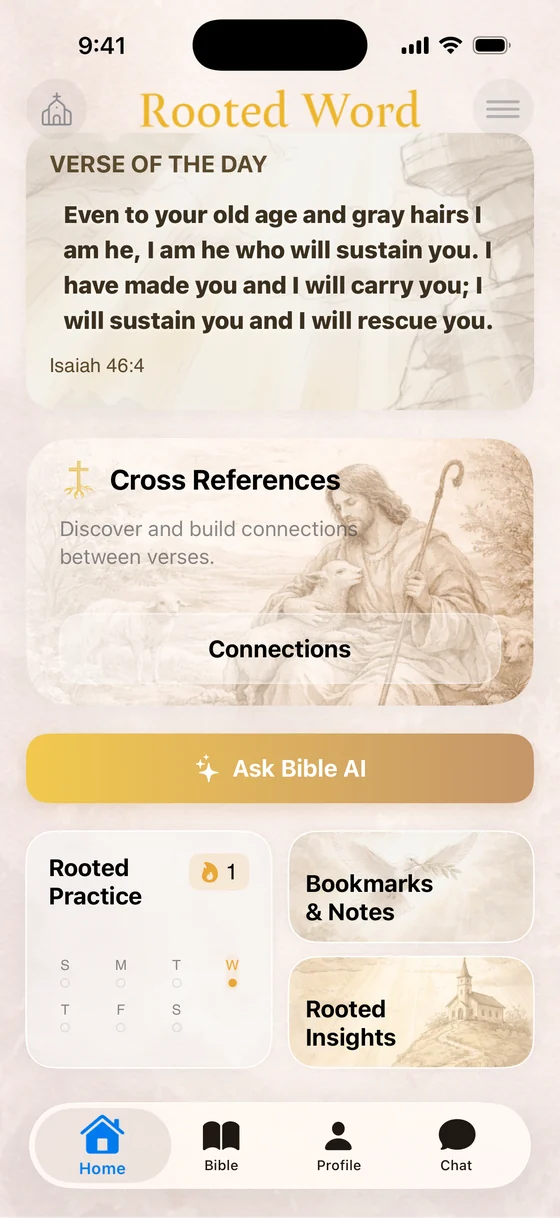
Start from the Verse of the Day on the home screen, search for a half-remembered phrase, or jump straight to a book and chapter. Everything is bundled in the app, so it opens with or without a signal.
Follow the thread.
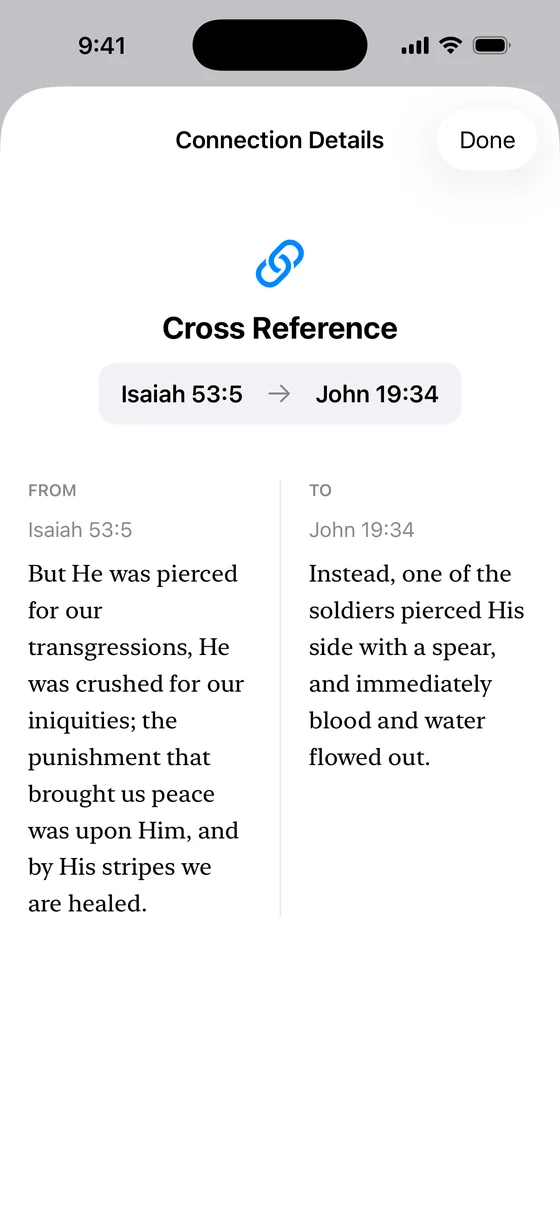
Tap a verse to see where else Scripture says it. Pick one of the references and both passages open together, side by side, so you can read the prophecy and the fulfilment in the same breath.
Keep the connection.
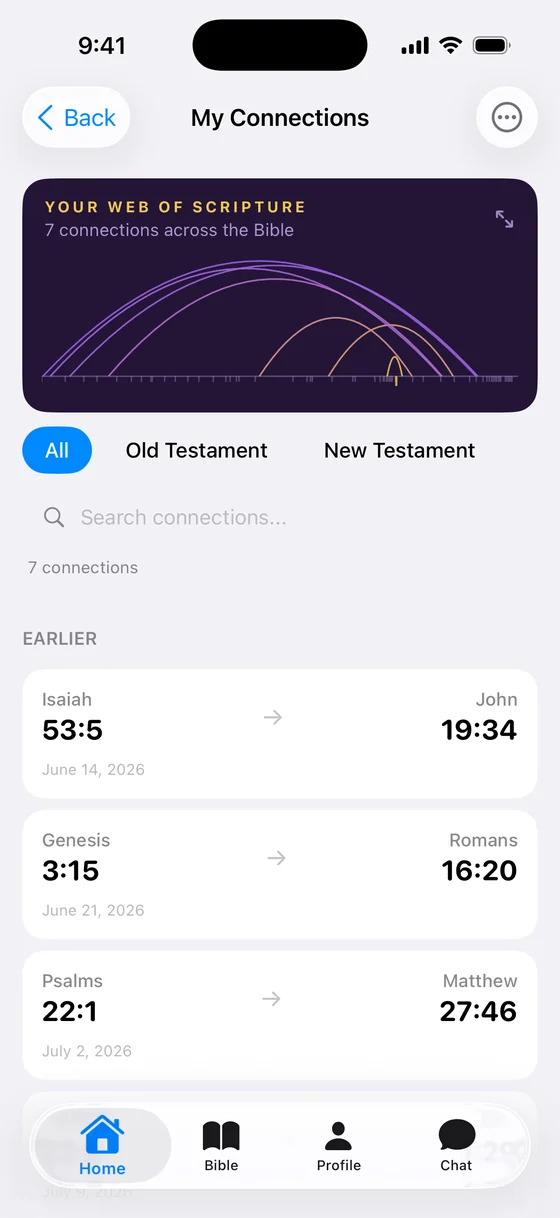
Save it. It joins your list of connections and gets drawn into your Web of Scripture, the map of everything you have linked so far. Come back in six months and your study is still there, one tap from where you left it.